Auresta Journal
Working From Home Eye Strain: A Practical Guide for Long Screen Days

Working from home eye strain is real, common and mostly self-inflicted — not by you, but by setups and habits that no office ergonomist ever reviewed. The good news: the causes are mechanical, well understood, and almost all fixable for free. This guide walks through what is actually happening to your eyes across a remote workday, the fix stack in priority order, and an honest note on where blue light glasses do — and don't — fit in.
Why Remote Work Is Harder on Your Eyes
Three things changed when work moved home. Screen hours went up — the commute, meetings and even casual chats became screen time. Setups got worse — laptops on kitchen tables replaced calibrated monitors at proper heights. And breaks quietly disappeared — nobody walks to a meeting room any more. The result is that remote workers routinely log ten or more hours of close-focus screen work a day, in lighting that was designed for cooking dinner.
What's Actually Happening to Your Eyes
The condition optometrists call computer vision syndrome — described in detail by the American Optometric Association — comes down to two mechanisms:
- Your blink rate collapses. From a normal 15–20 blinks per minute to as low as 5–7 when you concentrate on a screen. Blinking spreads tear film across the eye; less blinking means evaporation, dryness and that gritty end-of-day feeling.
- Your focusing muscles never get a rest. Your eyes hold focus at one fixed distance for hours at a stretch. Like any muscle held in one position, they fatigue — and fatigue reads as blur, ache and headache.
Notice what is not on that list: blue light. Despite the marketing you may have seen elsewhere, daytime eye strain is a focus-and-blinking problem, not a wavelength problem. If you are seeing blur, dryness or headaches, our guide to the 5 signs of digital eye strain helps you identify which one you are dealing with.
The Fix Stack — In Priority Order
- The 20-20-20 rule. Every 20 minutes, look at something 20 feet away for 20 seconds. It is the single highest-value habit for screen workers: it rests the focusing system and restarts your blinking. Set a timer for the first week — it becomes automatic.
- Put the screen where it belongs. Roughly an arm's length away, top of the display at or slightly below eye level. If you work on a laptop, a stand plus external keyboard is the cheapest meaningful upgrade in remote work.
- Kill the glare. Sit so windows are beside you, not behind you (reflections) or in front of you (contrast battle). Matte screens and repositioned lamps solve most of the rest.
- Match brightness to the room. A screen at full brightness in a dim room forces constant readjustment. Your display should sit close to the brightness of the wall behind it.
- Blink on purpose, and mind the air. Dry home-office air plus low blink rate is the dry-eye recipe. Blink fully when you think of it; consider a humidifier if your room is dry.
- Take real breaks. Stand up once an hour. Look out of a window. Your eyes recover quickly when given the chance — the problem is never giving them one.
Notes for Programmers and Designers
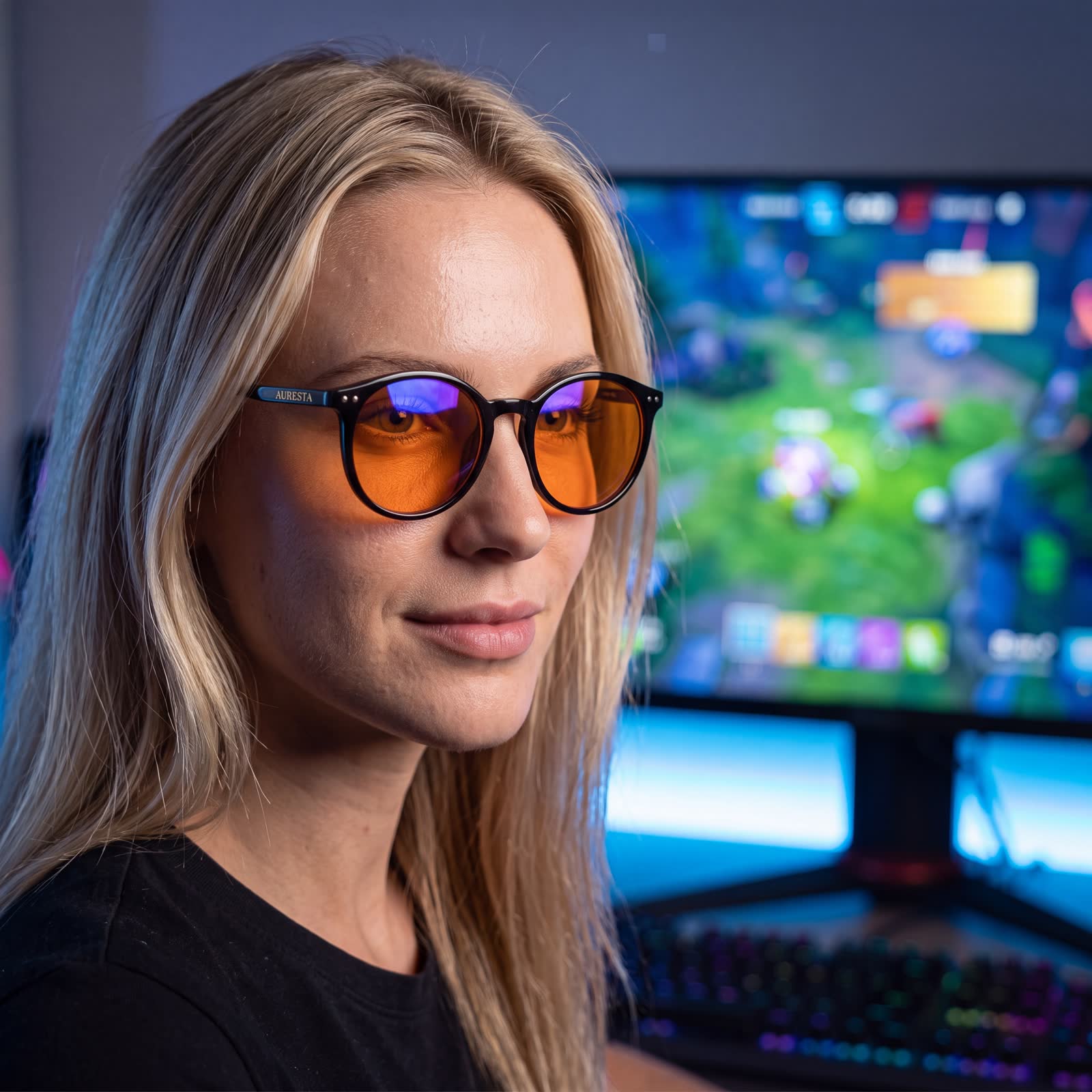
Two audiences spend the longest unbroken stretches in front of screens, so two specific notes. Programmers: bump your editor font a size or two larger than feels necessary — smaller fonts pull you toward the screen and increase focus load — and prefer a comfortable contrast theme over pure white backgrounds. Designers and anyone doing colour-critical work: be aware that tinted lenses shift colour perception, so do your colour work bare-eyed — we say the same in our guide on wearing blue light glasses all day.
Where Blue Light Glasses Honestly Fit
We sell blue light glasses, so read this part carefully — it is us arguing against overclaiming. A 2023 Cochrane review found that blue-light filtering lenses may make little or no difference to short-term eye strain from computer use. The fix stack above is the evidence-backed treatment for daytime strain, and no lens replaces it.
What an amber lens adds sits in two places. First, comfort: it softens glare and the harshness of bright displays, which many long-session workers simply find easier to live in front of. Second — and better supported by research — the evening: filtering blue wavelengths in the hours before bed supports your melatonin cycle, which matters if your workday bleeds into the night. The full picture is in our sleep and screens guide. Our lenses block 99% of blue light across 380–500 nm, lab-tested to BS EN ISO 12312-1 — and, honestly as always: they are Category 1 tinted and not suitable for driving.
Frequently Asked Questions
Is the 20-20-20 rule actually evidence-based?
It is the standard recommendation of optometric bodies including the American Optometric Association. Its logic is mechanical — resting focus and restoring blink rate — and clinical experience supports it, though like most habit interventions it has limited trial data. It costs nothing and addresses the two main causes of screen strain directly.
Can screens permanently damage my eyes?
There is no evidence that screen use — or the blue light screens emit — causes permanent eye damage. The American Academy of Ophthalmology is explicit on this point. Screen strain is uncomfortable, not dangerous, and it reverses with rest and better habits.
When should I get an eye test?
If strain persists after two weeks of the fixes above, book one. Small uncorrected prescriptions that never mattered before become noticeable under ten-hour screen days, and correcting them fixes more "screen strain" than any other single intervention. In the UK an eye test at an optician typically costs £20–£25.
Laptop or external monitor — does it matter for eye strain?
Yes. A laptop's screen is almost always too low and too close, which loads both your focus and your neck. An external monitor — or even a laptop stand with a separate keyboard — lets you set the arm's-length, eye-level geometry your eyes are comfortable at.
The Bottom Line
Remote work multiplied screen hours; your setup and habits just have to catch up. Fix the geometry, kill the glare, take the breaks — those carry the evidence. Add an amber lens if bright screens still feel harsh or your evenings run late, and you will know exactly what it is doing and why. Everything else we get asked lives in the Auresta FAQ.
Shop the glasses
Orange lenses that filter 99% of blue light across 380–500 nm
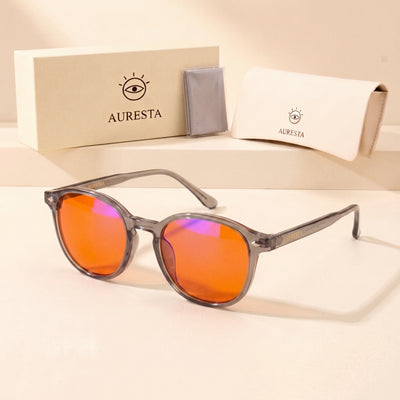 Auresta Aura Orange Lens Blue Light Glasses — Grey Round, Anti-Glare
View
Auresta Aura Orange Lens Blue Light Glasses — Grey Round, Anti-Glare
View
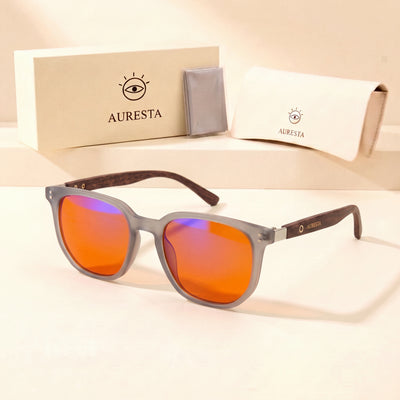 Auresta Ash Orange Lens Blue Light Glasses — Frosted Grey Square, Anti-Glare
View
Auresta Ash Orange Lens Blue Light Glasses — Frosted Grey Square, Anti-Glare
View
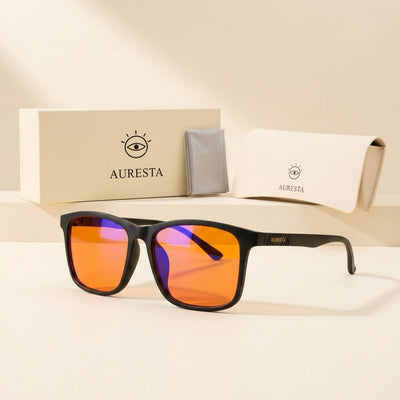 Auresta Ember Orange Lens Blue Light Glasses — Black Square, Anti-Glare
View
Auresta Ember Orange Lens Blue Light Glasses — Black Square, Anti-Glare
View
 Auresta Willow Orange Lens Blue Light Glasses — Olive Round, Anti-Glare
View
Auresta Willow Orange Lens Blue Light Glasses — Olive Round, Anti-Glare
View